When a Shopify catalog starts feeling unmanageable, three paths usually come up: implement a classic PIM, adopt an AI enrichment tool, or keep doing it manually with a bigger team. These aren't the same solution wearing different labels — they solve different parts of the product data problem, at very different costs and timelines. Below is a direct comparison across the areas that matter most in practice.
The three approaches, briefly
- Classic PIM — enterprise software for centralizing product attributes and distributing them to multiple channels, with workflow and approval layers.
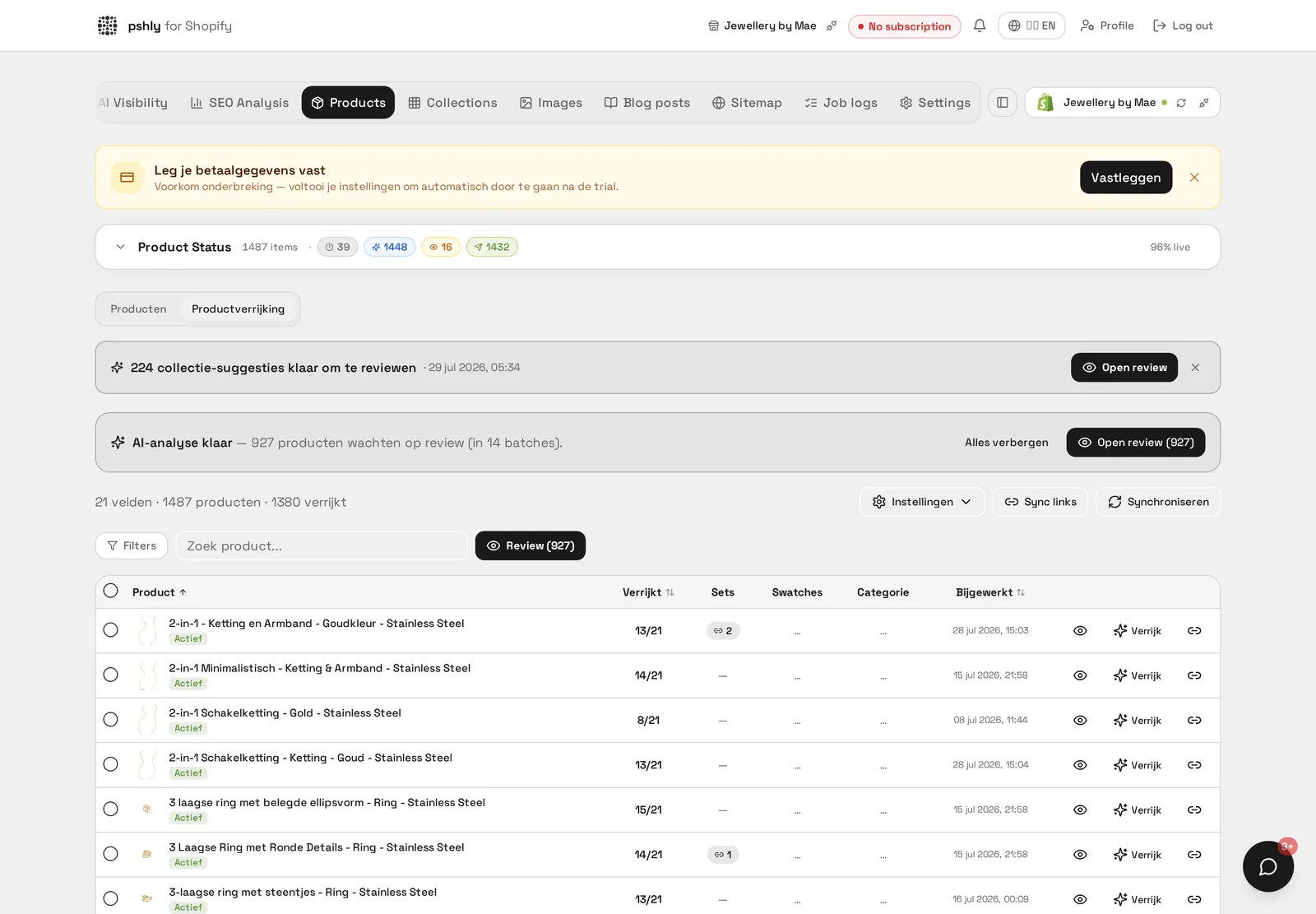
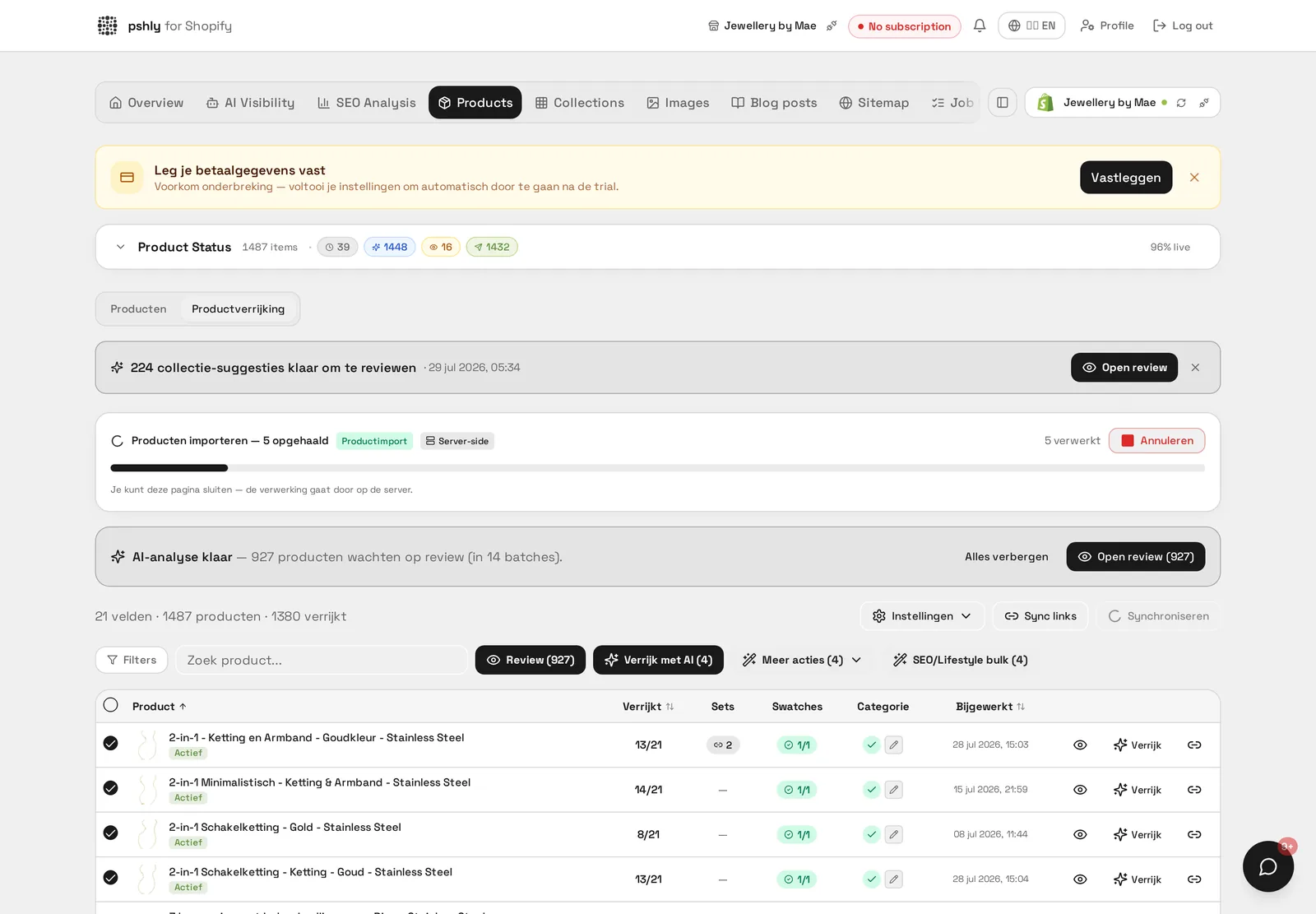
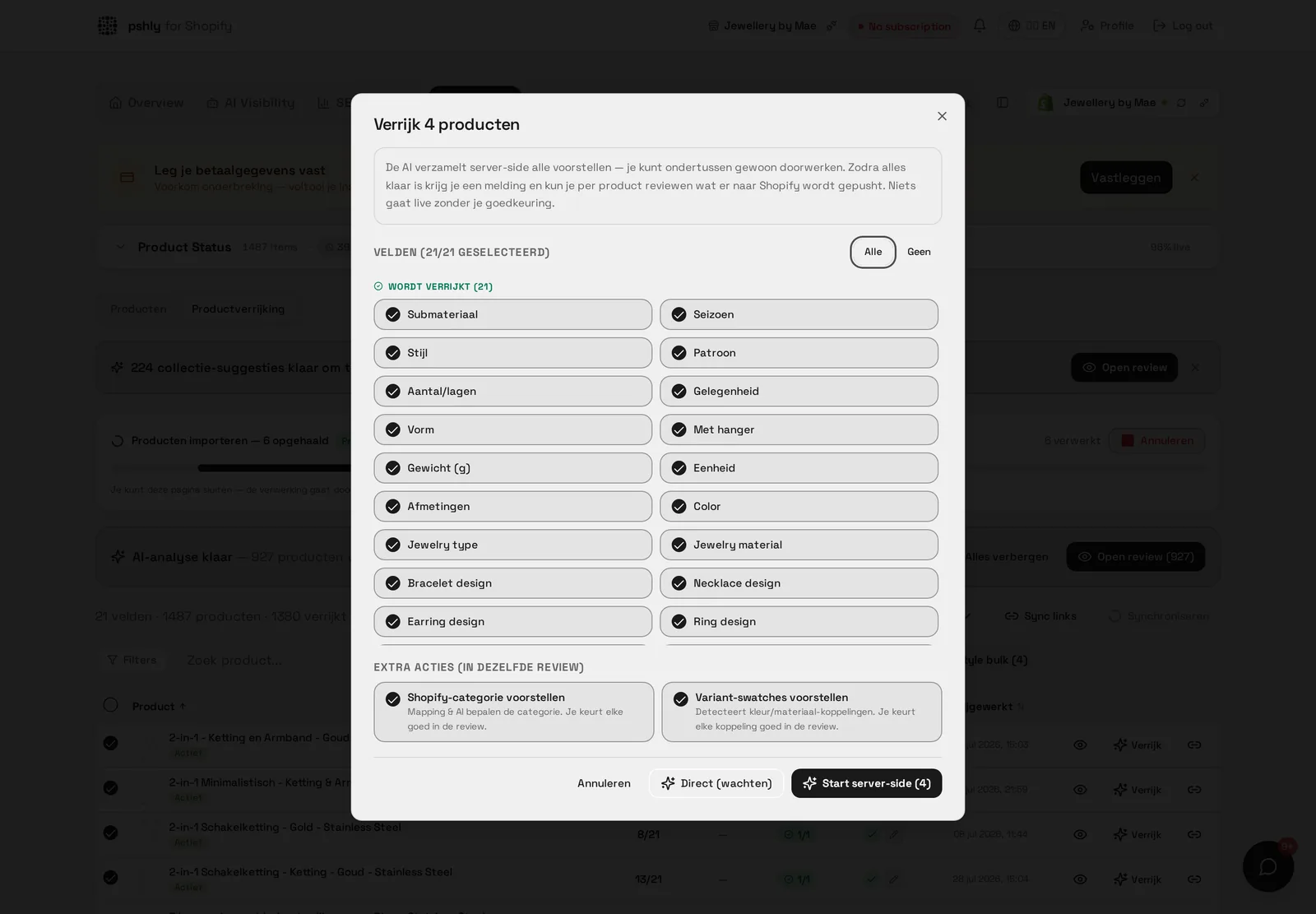
- AI product enrichment (pshly.ai) — an AI layer that analyzes existing product text and images, then generates and writes back improved titles, descriptions, SEO fields, metafields, and imagery directly into Shopify.
- Manual work — a person (or team) editing product data field by field inside Shopify's own admin.
Comparison matrix
| Capability | Classic PIM | AI enrichment (pshly.ai) | Manual work |
|---|---|---|---|
| Central storage across channels | Yes, core function | No — works on Shopify's own data | No structured layer |
| Multichannel distribution | Yes, built-in | Not applicable, Shopify-focused | Manual export/import per channel |
| Content generation (titles, descriptions) | No — requires input | Yes, generated from existing data | Yes, written by hand |
| SEO titles and meta descriptions | No, unless separately configured | Yes, per product, based on search intent | Possible, but slow at scale |
| URL handle cleanup with 301s | Not handled | Yes, automatic redirect handling | Manual, error-prone |
| Metafields and taxonomy | Stores them, doesn't fill them | Yes, auto-filled from text and images | Manual entry, often skipped |
| Image analysis and lifestyle generation | Not supported | Yes, colors/materials tagged, lifestyle images generated | Requires a photoshoot or designer |
| Implementation time | Weeks to months | Minutes to connect, live same day | None, but ongoing labor cost |
| Cost model | Per-user license plus implementation fees | Credits per enrichment | Hourly or salaried labor |
| Team workflow | Multi-team approval steps | Single dashboard, bulk or single-product runs | Depends entirely on team size |
Where a classic PIM wins
If you sell through many channels with genuinely different data requirements — a marketplace, a B2B EDI feed, a print catalog — and multiple departments need sign-off before data goes live, a PIM's workflow and distribution logic earns its cost. It's infrastructure for complexity that actually exists in your business. No AI tool replaces that when the underlying need is multichannel governance rather than content quality.
Where AI enrichment wins
If your actual pain is that product pages don't convert and don't rank — generic titles, empty metafields, meta descriptions Shopify auto-generated from the first sentence of a description, product photos that were never tagged with color or material — a PIM does nothing to fix that, no matter how well configured it is. AI enrichment addresses this directly: it reads what's already in your Shopify catalog, including images, and writes back better content in the same fields Shopify already uses. There's no separate system to maintain and no export/import step.
The cost structure also differs sharply. A PIM implementation for a mid-sized catalog commonly runs into five figures before a single product record improves in quality, plus ongoing per-seat licensing. AI enrichment runs on usage-based credits, so a 1,000-product catalog costs proportionally to the work actually done, with no fixed floor.
Where manual work still makes sense
For very small catalogs — a few dozen products — the overhead of any tool, PIM or AI, may not be worth it. A careful person can write good titles and fill metafields by hand faster than evaluating and onboarding a new system. Manual work also remains necessary for judgment calls neither a PIM nor AI should make alone: final approval of brand voice, pricing strategy, and genuinely unique flagship product pages.
When to pick what
- Pick a classic PIM if you distribute to 3+ channels with different data schemas and multiple teams need structured approval workflows.
- Pick AI enrichment if your catalog lives mainly in Shopify and the real problem is content quality, SEO performance, or metafield completeness at a scale too large to fix by hand.
- Pick manual work for catalogs under roughly 100 products, or for the final polish pass on your highest-value listings regardless of which tool you use for the rest.
When to combine both
These aren't mutually exclusive. A common setup for larger merchants: a PIM remains the system of record for multichannel distribution, while pshly.ai enriches the content quality of what eventually lands on Shopify — better titles, SEO fields, and metafields — before or after it flows through the PIM. The PIM handles the "where does this data go" question; the enrichment layer handles "is this data good enough." For a closer look at how Shopify's own data structures (metafields, taxonomy) can serve as a lightweight PIM layer on their own, see Shopify's product data model explained. And if you're still unsure whether you need a PIM at all, start with what a PIM actually is and when you need one.
The costs side by side
For a catalogue of 500 products with seven attributes to fill, manual work quickly adds up to over 100 hours of editing — a one-off investment of several thousand euros at a common hourly rate, partly repeated with every feed update. A PIM licence adds a fixed monthly fee plus implementation, while data entry still stays manual. AI enrichment is charged in credits per processed product, so costs scale with the catalogue rather than with team size. For G&F Packaging that meant 512 products enriched in a single run, with review up front, instead of an editorial schedule spread across weeks.
What you should not automate
Automation is no reason to give up control. Prices, stock and legal product claims should not come out of a generation step but from your own systems. That is why every bulk job in pshly.ai ends in a review modal: you see the old and new value side by side per product and only publish after approval. For edge cases — certifications, warranty terms, exact material composition — a manual check is faster than fixing things afterwards.
Conclusion
Classic PIM, AI enrichment, and manual work solve different layers of the same broader problem. Most Shopify merchants overestimate how much multichannel complexity they actually have, and underestimate how much value sits in simply making their existing product content better. Match the tool to the actual bottleneck in your catalog rather than the one with the most recognizable name. Full feature details are in our documentation, and current plans are listed on the pricing page.