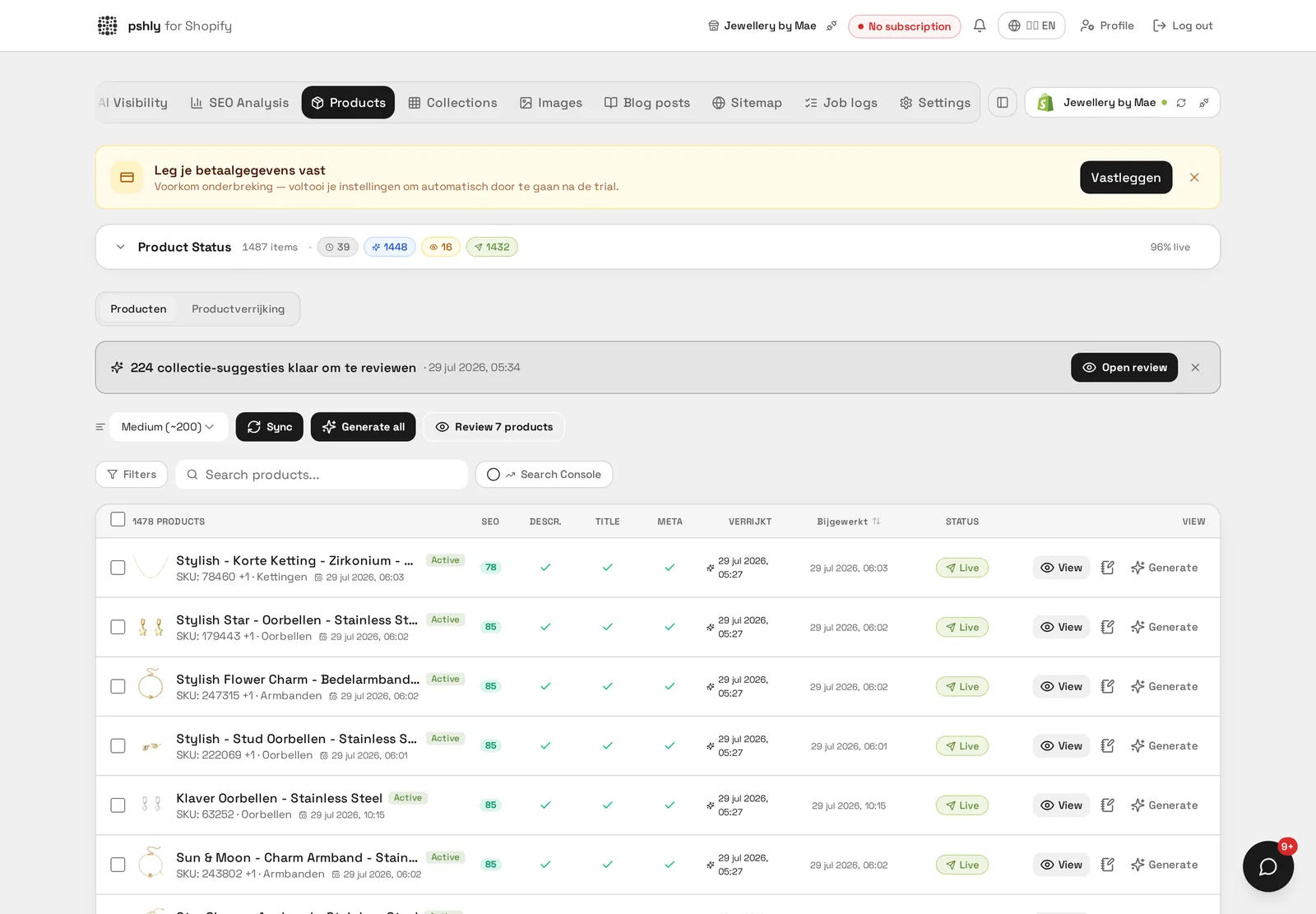
The URL of a product page is one of the most underrated SEO factors in Shopify. By default, Shopify generates a handle based on the product title at the moment of creation — and that title often changes over time, while the URL stays stuck on the original, often messy version. The result: URLs full of unnecessary words, copies of supplier names, or technical codes that say nothing about the product and add nothing to discoverability.
Why bad handles cost you SEO
Search engines use the URL as an extra signal to understand what a page is about. A handle like /products/prod-8842-xl-blue-v2 says nothing about the product, while /products/gold-hoop-earrings-round immediately makes clear what the page is about — for both search engines and users. Concretely, a bad handle leads to:
- A lower relevance score for search terms that appear in the title but not in the URL.
- A less appealing URL in search results, which lowers click-through rate (CTR).
- Inconsistency between what a customer expects to find and what the URL promises, making links feel less natural to share.
- Harder-to-read URLs in internal links, emails, and social posts.
For a catalog with thousands of products that come in organically through Google, this isn't a cosmetic detail — it's a structural obstacle to growth.
The risk of manually changing handles
The reason many merchants leave this problem alone isn't ignorance but fear: changing a handle without a redirect breaks every existing link to that page. Google has indexed the old URL, customers have saved the link, and other sites may reference it. Change the URL without a redirect and you get a 404 page — lost link equity, lost traffic, and a poor user experience.
How pshly.ai optimizes handles safely
When optimizing URL handles, pshly.ai follows a fixed, safe procedure:
- The new handle is generated based on the current, optimized product title — short, descriptive, and free of unnecessary words.
- For every active, published product, a 301 redirect is automatically created from the old to the new URL, directly in Shopify's own redirect system.
- The redirect is created before the handle is actually changed, so there's never a moment where the old URL returns a 404.
- Existing internal links within product descriptions and collections keep working through the redirect, until you update them yourself.
The result is that search engines recognize the 301 as a permanent move and transfer the link equity of the old URL to the new one, while visitors who click an old link automatically land on the right page.
Draft products: no redirect needed
For products that aren't yet published — so they're in draft status — no redirect is created. These products have never been publicly reachable under their old handle, so there's no existing link equity or traffic to protect. This prevents unnecessary redirect rules in your Shopify settings and keeps your redirect overview clean for the cases where it's actually needed.
What a good handle does contain
An optimized handle is short, readable, and contains the most important search terms without unnecessary filler words. Avoid:
- Brand names that already appear elsewhere on the page, unless they have search volume.
- Color or size specifications that fit better in variants than in the main URL.
- Stop words like "the", "a", "for" that add no search value.
- Automatically generated numbers or codes from your supplier.
Aim for three to five meaningful words that accurately describe the product, such as product type, material, and a distinguishing attribute.
Checklist for cleaning up your URL structure
- Take stock of what percentage of your catalog has a handle that doesn't match the current product title.
- Check whether manual redirects already exist that could conflict with newly created redirects.
- Start with a small, representative selection of products to monitor the effect on click behavior and indexing.
- Only apply the change to your full catalog once you're confident redirects are being created correctly.
- After a few weeks, check Google Search Console to confirm the new URLs are indexed correctly and that no unexpected 404s have appeared.
Handles as part of a broader sync
URL optimization doesn't stand on its own. It's part of the broader way pshly.ai writes changes back to Shopify — including titles, metafields, and imagery — without you having to export or sync anything manually. For a full overview of how this sync works, see the documentation on Shopify sync.
The long-term result
A cleaned-up URL structure doesn't create an instant ranking jump, but builds a stronger technical foundation over months: more consistent signals to search engines, better click-through rate in search results, and a cleaner site structure that's easier to maintain as your catalog grows. Combined with optimized titles and meta descriptions, it forms one of the foundations of sustainable organic growth.
Verifying that a handle change landed correctly
After a handle optimisation you want proof that the move was clean. Three checks are enough. Request the old URL and confirm you get a 301 (not a 302, not a 404) to exactly the new URL, without an intermediate hop. Then check in Google Search Console whether the new URL is being indexed and the old one is dropping out; that usually takes days to a few weeks. Finally, confirm your sitemap only lists the new URL, so you do not waste crawl budget on pages that merely redirect.
When to leave a handle alone
Not every messy URL is worth changing. If a product page ranks well on a commercial query and has external links, the gain of a tidier handle is small next to the risk of temporary ranking fluctuations. At G&F Verpakkingen the handles of products without organic traffic and with article numbers in the URL were tackled first — the safest group with the most upside. Top pages followed later, one by one and with monitoring in place.
Want to see what percentage of your catalog has a handle that could use improvement? Start free and let pshly.ai analyze your URL structure.