Most "frequently bought together" widgets in Shopify work based on order history or category matches: buy earrings, and you see more earrings. That's not cross-sell, that's a repeat of the same offer. Real cross-sell happens when you show a customer a product that complements the first one — a bracelet with earrings, a scarf with a coat, a coaster with a dinner set. That requires an understanding of style and coherence, not just category.
Why category matches fall short
Category-based suggestions are simple to implement, but ignore the most important question a customer asks while viewing a product: what goes with this? Someone browsing a pair of gold earrings isn't necessarily considering buying another pair of earrings — that choice has often already been made. What is relevant: a matching bracelet, necklace, or ring in the same color and style. By only searching within the same category, a store misses exactly the kind of suggestion that makes a second purchase in the same order more likely.
How AI recognizes complementary products
Instead of filtering by product category, the AI engine in pshly.ai analyzes the actual visual and descriptive characteristics of a product: color tone, material, shape, and overall style. Based on that, it searches for products elsewhere in the catalog that complement these characteristics rather than repeating them. Concretely, this means:
- Image analysis: the AI examines the product photo to recognize color tone, material (gold, silver, leather, cotton), and visual style (minimalist, statement, classic).
- Textual context: existing product description and attributes are taken into account to confirm the style category.
- Complementarity logic: instead of searching for "the same", the system looks for products that fall into the same style family but are a different product type — for example a bracelet with earrings, or a belt with pants.
- Color harmony: products with a matching or deliberately complementary color tone are prioritized over products that don't align in color.
Configurable maximum number of suggestions
Not every store wants to show the same number of suggestions. A jewelry store with a compact catalog may benefit from three sharply chosen suggestions, while a larger fashion store with a broad assortment can show up to eight suggestions without overwhelming the customer. In pshly.ai, you set the maximum number of suggestions per product yourself, so the output fits the size and nature of your catalog. Fewer, more precisely chosen suggestions often perform better in practice than a long list of half-relevant options.
The review modal: control before it goes live
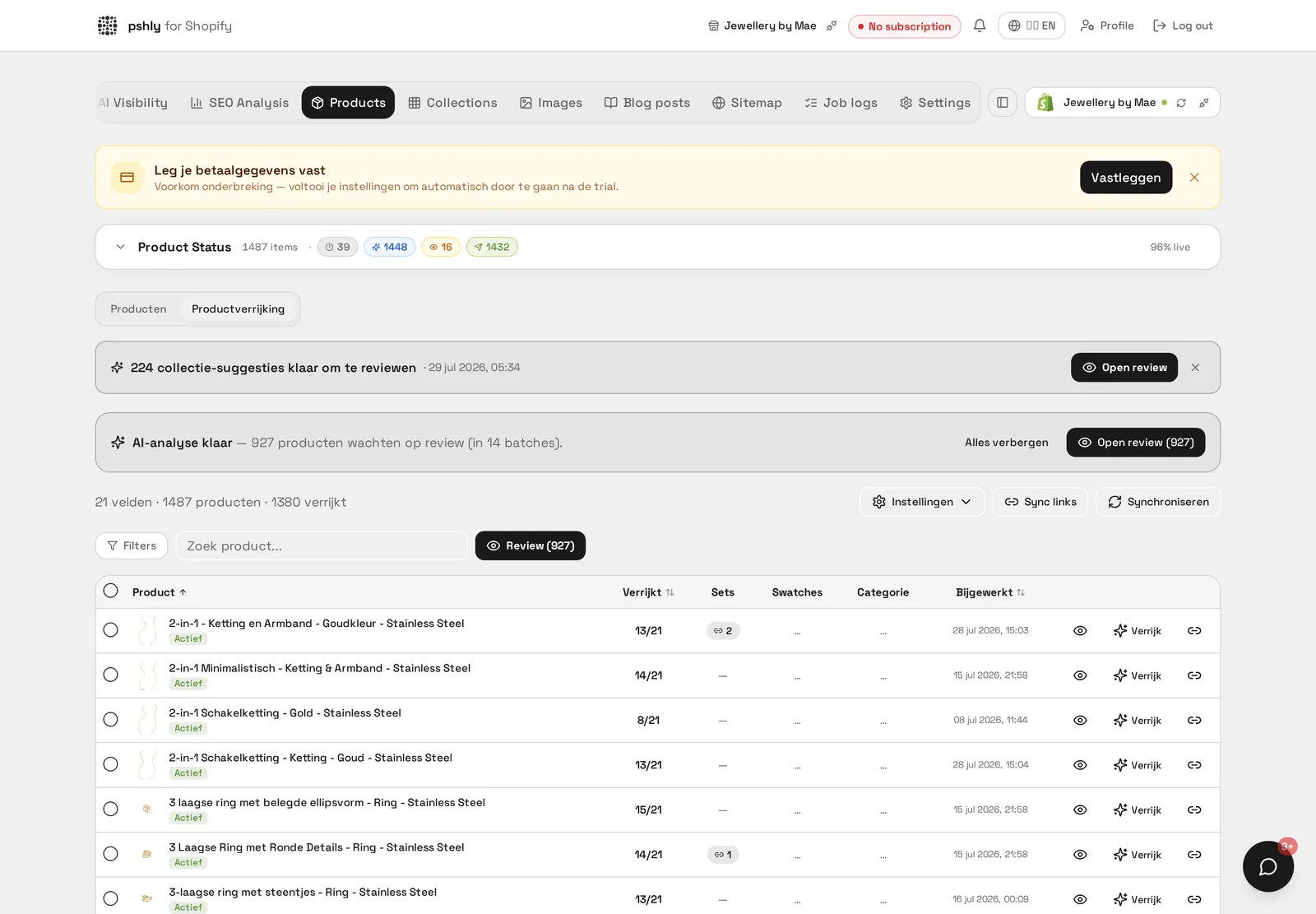
AI suggestions aren't applied automatically and unseen. Before linked products actually appear on the product page, you go through a review modal where you see the proposed matches per product, including a preview of both product photos side by side. That makes it easy to judge at a glance whether the match is right, and to remove suggestions that don't fit with one click before they go live. For catalogs with many variants within the same style family, this is an important control step: the AI can make a good first selection, but the final judgment stays with you.
Real-world example: from repetition to complement
At a jewelry store, the standard "related products" widget on a set of gold hoop earrings mostly showed other earrings — a logical but not very engaging suggestion. After applying style-based matching, a matching gold bracelet and a fine necklace in the same color tone were suggested instead: products the customer may not have actively been looking for, but that naturally align with the taste already shown by the first choice. This kind of suggestion increases the chance of a second item in the cart without the customer feeling anything is being pushed on them.
The effect on average order value
Style-based cross-sell works because it aligns with how people actually shop: not in categories, but in a sense of coherence. A customer putting together a jewelry set thinks "does this go together", not "show me more of the same type". By showing suggestions that follow this way of thinking, the likelihood increases that a second product gets added to the same order, directly contributing to a higher average order value without needing extra ad spend.
Where this works best
Style-based cross-sell is especially valuable for catalogs where visual coherence plays a role in the purchase decision: jewelry, fashion, home decor, home accessories, and beauty. For purely functional products without a clear style component — technical parts, for example — a specification-based match is often more relevant. The system is designed to recognize both scenarios based on the available product data.
How to set this up for your own catalog
To enable style-based suggestions, you don't need to create separate tags or categories. The AI works with the existing product photos and descriptions already in your Shopify catalog. It is recommended, however, to first get your product imagery and copy in order through product enrichment, so the AI has enough context to make reliable matches.
Get started
How to judge suggestion quality
A good suggestion complements, it does not substitute. The rule of thumb: a pair of earrings pairs with a bracelet or necklace in the same style, not with a second pair of earrings. Run three questions past each suggestion during review. Does the product add to the purchase rather than compete with it? Does the style match visually in material, colour tone and price bracket? And is it in stock and active in Shopify? Suggestions that score yes on all three lift average order value; the rest you reject with one click so the model does not propose that combination again.
Tuning the number of suggestions to your assortment
The default is two suggestions per product, because more blocks below a product page tend to split attention rather than lift conversion. For broad assortments with many accessories three or four can make sense; for a narrow collection one strong suggestion beats two weak ones. You set this per shop through the maximum-suggestions setting in the review modal, after which every bulk job stays within that limit.
Want to see which matching products the AI suggests for your catalog? Start free and view the first suggestions within minutes in the review modal.