Optimizing products one by one is not a strategy — it's a hobby. For shops with more than a hundred SKUs, a bulk workflow is the only way. This article describes a proven approach to make hundreds of products fully SEO-ready in a single workday, including text, imagery and metadata.
The problem with per-product work
Say you have 500 products and want to give each a new description, five alt tags and three lifestyle images. Per-product, that's 30-60 minutes each. Do the math: 250-500 hours of work. That's two to four months full-time — for a single optimization cycle. By then your catalog has changed again.
The four pillars of a bulk workflow
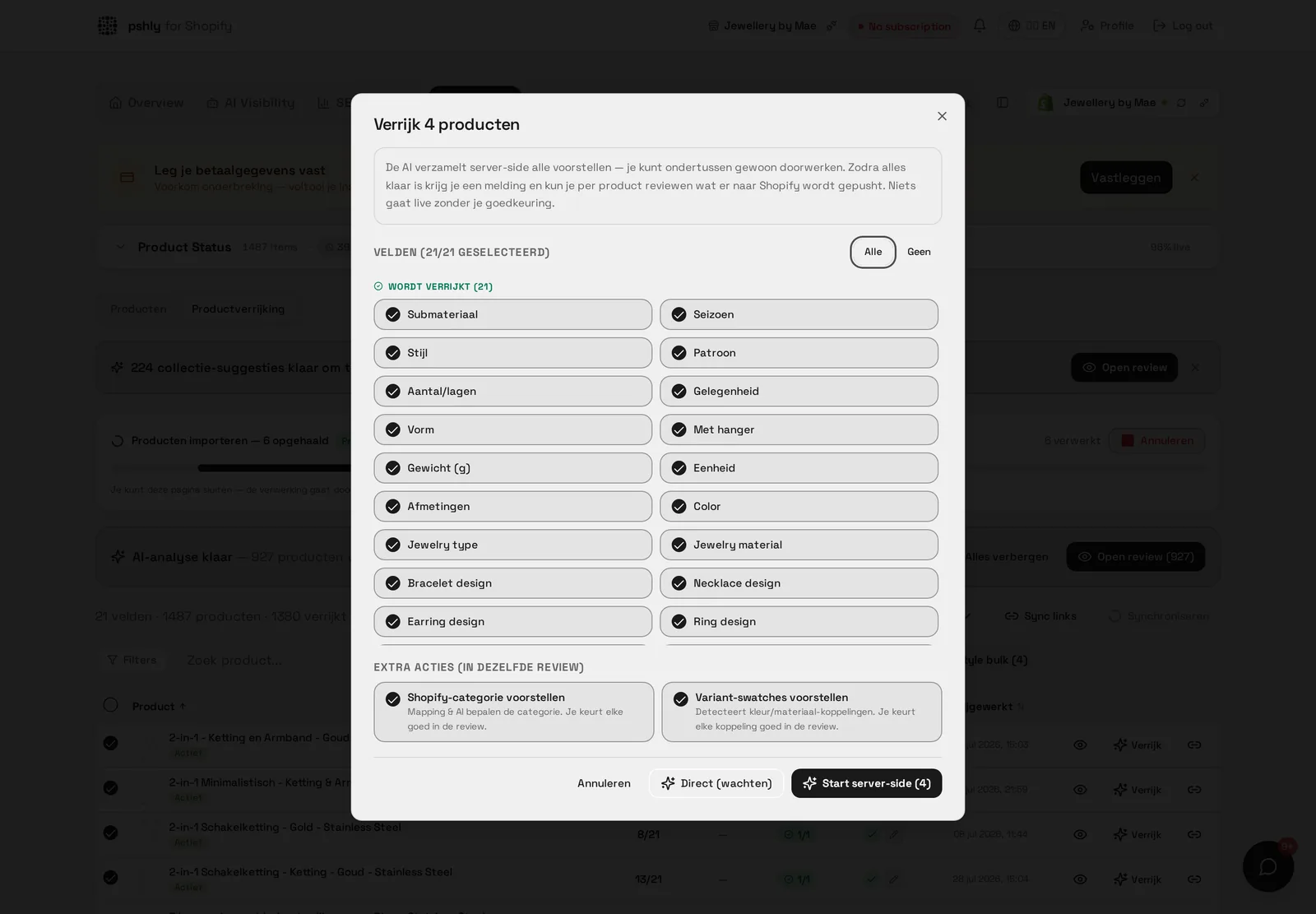
- Smart filters — work per type, collection or status (e.g. "all products without description in collection summer")
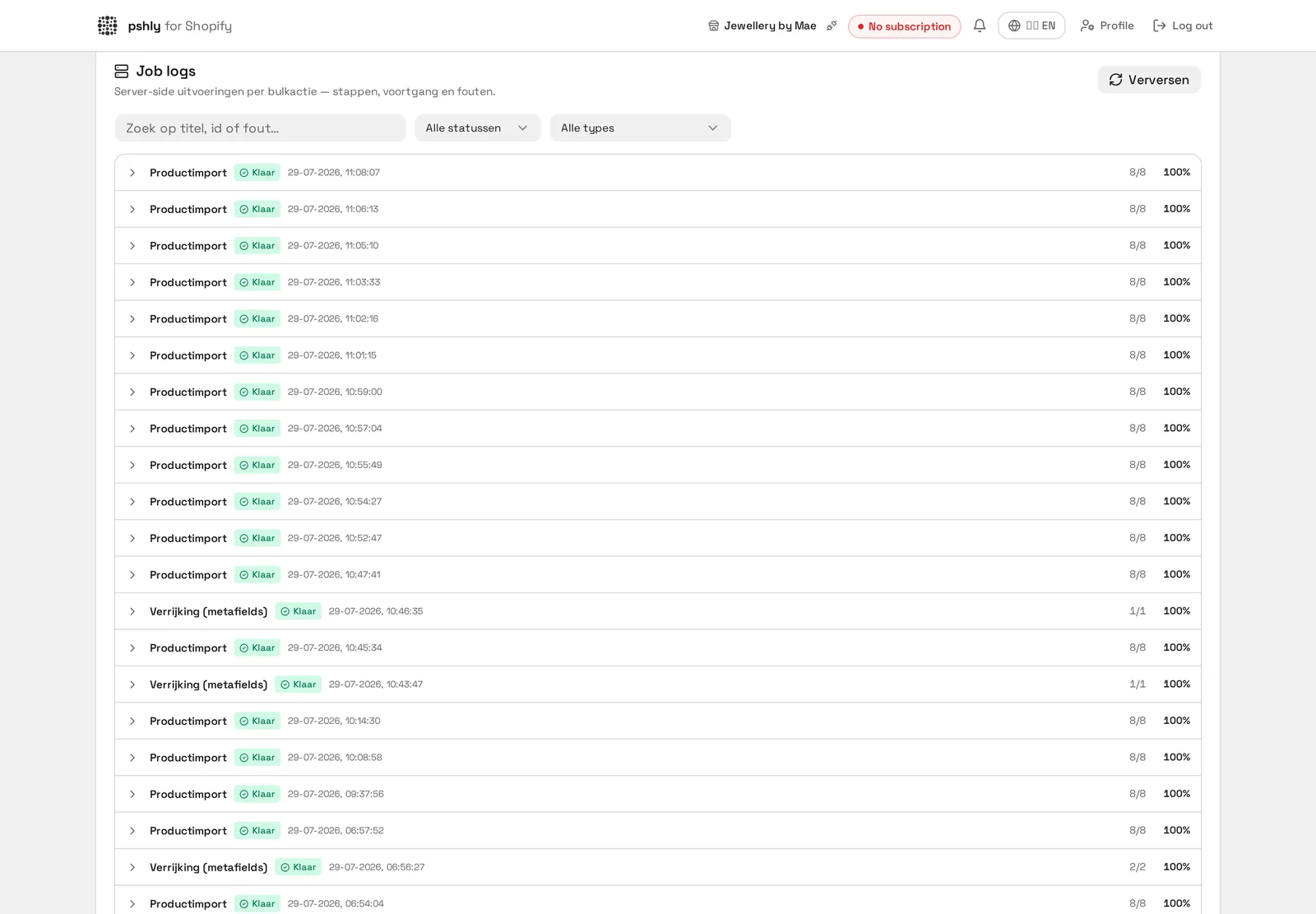
- Parallel generation — text, alt tags and images run simultaneously in the background
- Review layer — approve per item, or auto-approve based on quality score
- Direct publishing — push to Shopify without copy-paste or CSV imports
Step 1: segment before bulk-generating
Not every product deserves the same attention. Start with segmentation:
- Top 20% bestsellers — manual fine-tuning, premium content, multiple image variants
- Mid 60% — bulk generate with standard preset, fast review
- Long tail 20% — auto-approve with a basic template
This 20-60-20 rule prevents wasting time on SKUs that barely drive revenue.
Step 2: generate copy in bulk
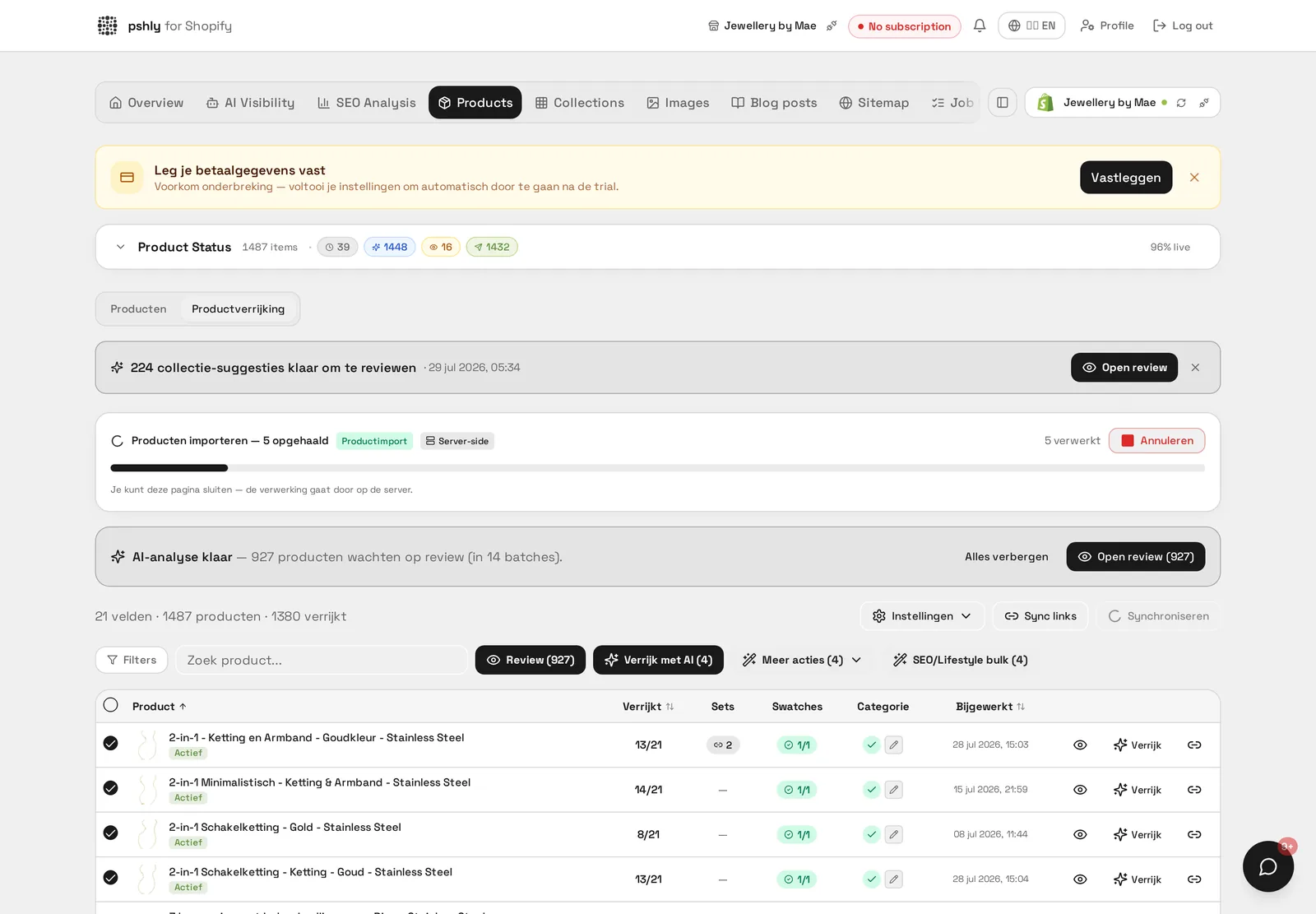
Select a filter (e.g. "all products without description"), pick tone of voice, audience and target length, and start the bulk job. The product descriptions generator processes 500 products in 20-30 minutes and places results in a review queue. Approved texts push directly to Shopify.
Step 3: collection pages in one run
Collections often get even less attention than products. Use the collection generator to generate all collection descriptions in one run with internal-link suggestions to your top products per collection.
Step 4: alt tags on autopilot
In parallel with text generation, the alt tag generator runs across all product images. Per image, a unique descriptive alt tag is created based on both the image and the product data.
Step 5: lifestyle images per category
Use the AI product photo generator to bulk lifestyle scenes per product category. Pick a fitting preset per category — workspace for office products, hospitality for tableware, outdoor for sports gear. Generate 1-4 variants per product.
Auto-approve vs manual review
The big question with bulk: review everything manually or auto-push? A safe middle ground:
- Auto-approve for alt tags (low risk) and long-tail products
- Quick review (10 sec/item) for mid-segment text
- Full review for top products and hero images
This layered approach keeps control over the pages that truly matter, without becoming a bottleneck for the rest.
Credit strategy and tier choice
Bulk work is only profitable if your credit budget is right. Calculate up front: number of products × actions needed × credits per action. The pricing page shows credits per tier per month — choose a tier with buffer rather than exact. Running out of credits mid-bulk is fatal to your workflow.
Push to Shopify without downtime
All approved content is batch-pushed to Shopify via the official API. Products stay online throughout the entire operation and visitors notice nothing — except that content improves throughout the day.
Result
A typical 500-product shop completes a full content refresh in 6-8 hours instead of 6-8 weeks. Start free and run your first bulk cycle this week.