AI agents like ChatGPT, Claude, and Cursor are increasingly used to speed up daily work — from writing code to answering customer questions. For Shopify merchants, this creates a new possibility: querying your own product catalog directly from these agents, without switching between tabs yourself. That's exactly what pshly.ai's MCP server makes possible.
What MCP is and why it matters
MCP, the Model Context Protocol, is an open standard that lets AI agents access external data and tools in a structured, secure way. Instead of having an agent guess or freely search the internet, it can make a direct, defined connection through MCP to a specific source — in this case your Shopify catalog as managed within pshly.ai. The result is that you can literally ask ChatGPT, Claude, or Cursor "how many products do I have in the summer jackets collection" or "give me the details of product X" and get a direct, accurate answer based on your current data.
Why this is more than a gimmick
For merchants and teams already using AI agents for other tasks, this means catalog questions no longer require a separate step of logging into a dashboard, searching, and manually copying data. A developer working in Cursor on an integration can pull product data directly without leaving the coding environment. A marketer preparing a campaign with ChatGPT can look up current stock status or product details within the same conversation. This significantly shortens the distance between "having a question about your catalog" and "having the answer".
How the connection is established: OAuth consent
The connection between an AI agent and your pshly.ai account is established through a standard OAuth consent flow, similar to logging in with an existing account on an external application. Concretely, this means:
- You explicitly authorize which agent gets access to your pshly.ai data.
- No password is shared with the agent — authorization runs through a secure token that you can revoke yourself at any time.
- You retain full control over which shop or shops are accessible through the connected agent.
- Access is limited to the specific tools the MCP server offers, not to your full account or settings.
The available tools
pshly.ai's MCP server exposes a fixed set of tools that let an agent ask targeted questions about your catalog:
- list_shops — provides an overview of the Shopify shops connected to your account, so the agent knows which context a question should be answered in if you manage multiple shops.
- list_products — retrieves a list of products, optionally filtered by collection, status, or other criteria, so you can quickly get an overview without manual searching.
- get_product — retrieves the full details of a single specific product, including title, description, metafields, and status, for detailed questions about a single item.
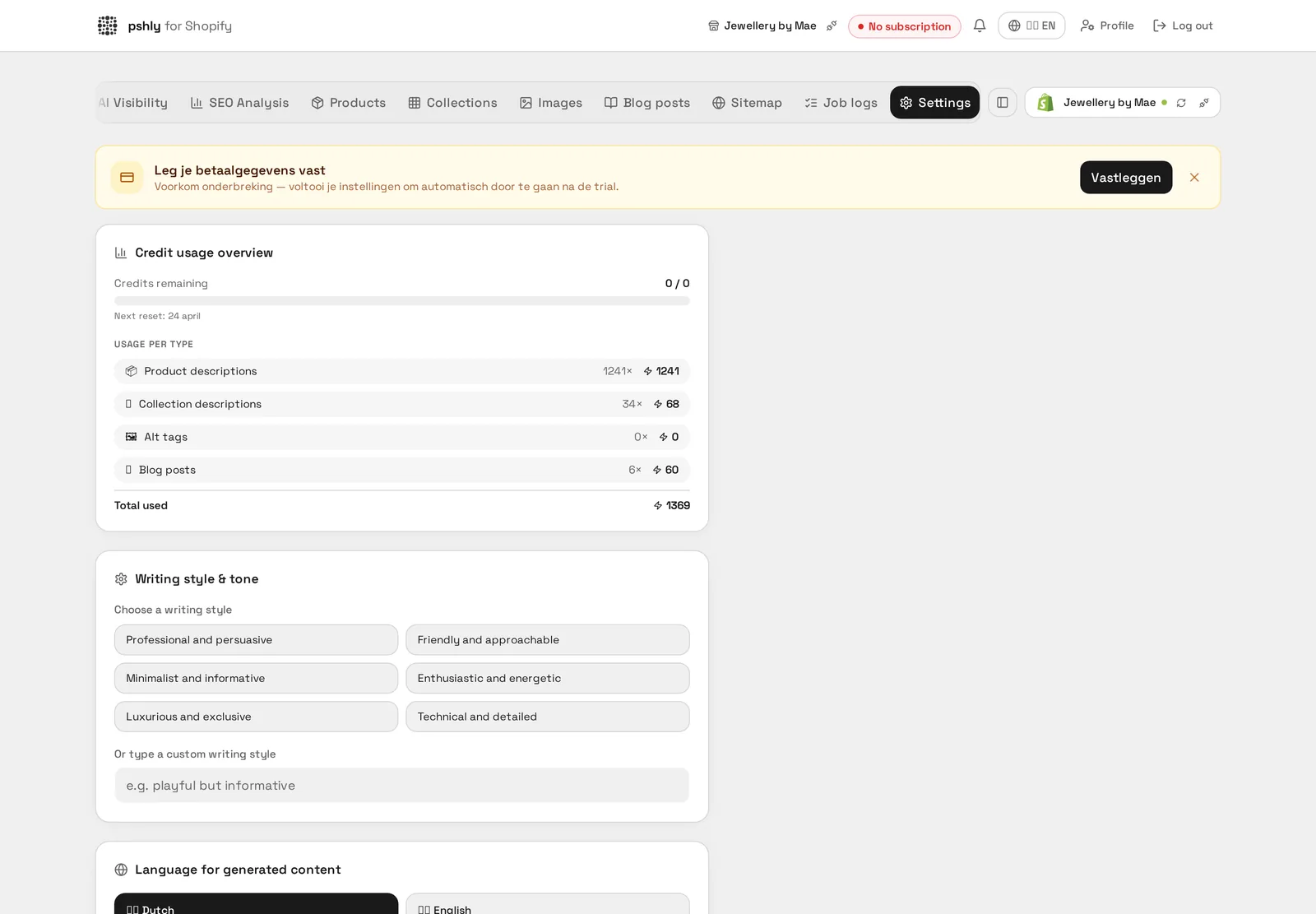
- get_credit_balance — gives direct insight into your remaining credit balance, useful when you want to estimate within an agent conversation how much room is left for further bulk actions.
This set is deliberately limited to read-only and informational tools. The MCP integration is meant to answer questions about your catalog, not to make unsupervised changes.
Security through Row Level Security
A crucial aspect of this integration is that access always stays limited to data you, as an authorized user, are entitled to. This is enforced through Row Level Security, or RLS: a database-level security mechanism that guarantees every call through the MCP server only returns data belonging to the account and shop for which consent has been given. Even if an agent were technically capable of asking a broad question, RLS ensures data from other accounts or shops is never returned. This makes the integration suitable for use in shared or team environments, without risk of data leaking between different customers or shops.
Real-world example: quick catalog questions during development
A developer working in Cursor on a custom integration for a client can, while writing code, directly ask within the same environment which fields a specific product has, without switching to a browser or the Shopify admin. This speeds up iterative work, because the context of the question and the answer stays within the same working environment.
Real-world example: campaign preparation via ChatGPT
A marketer preparing a newsletter campaign with ChatGPT can, within the same conversation, ask which products are in a certain collection and pull up the details of the most relevant products, then continue working directly with that information on the campaign copy — without switching between applications.
How to set up the integration
- Go to the settings within pshly.ai and find the agent integration section.
- Start the OAuth connection from the AI agent you want to use, such as ChatGPT, Claude, or Cursor.
- Confirm the requested permissions and select which shop should be accessible.
- Test the connection with a simple question, such as retrieving your credit balance, to confirm everything works correctly.
For a full technical explanation of the available tools and the setup of the connection, see the documentation on agent integration.
What an agent can actually do for you
The value of the MCP connection lies in questions you would normally answer with exports and spreadsheets. Think of: "which products in the Christmas collection still lack a meta description", "show the ten products with the shortest description", or "how many credits do I have left this month". The agent pulls that data live from your connected store, so you never work from a stale export.
In practice, teams mostly use this to prepare a bulk run: first identify with the agent which products need attention, then enrich that selection in pshly.ai through the regular server-side bulk jobs with review modal.
Permissions and security
The connection runs through a consent screen where you explicitly grant access and which you can revoke at any time. The agent only gets read access to your own store data; pushing changes to Shopify happens exclusively through the app, with the usual confirmation step. Your Shopify token never leaves the platform and is shielded by database-level permissions.
Conclusion
The MCP integration turns your Shopify catalog into a data source that AI agents can query directly, securely, and in a controlled way. Through OAuth consent, a limited set of read-only tools, and Row Level Security enforced at the database level, you get the convenience of asking catalog questions from ChatGPT, Claude, or Cursor without giving up control over your data.
Want to try querying your own catalog from an AI agent? Start free and set up the MCP connection within minutes.