Documentation

    Agent integration (MCP)

    Connect Pshly to ChatGPT, Claude or Cursor via the MCP server.

    1What is the MCP agent integration?

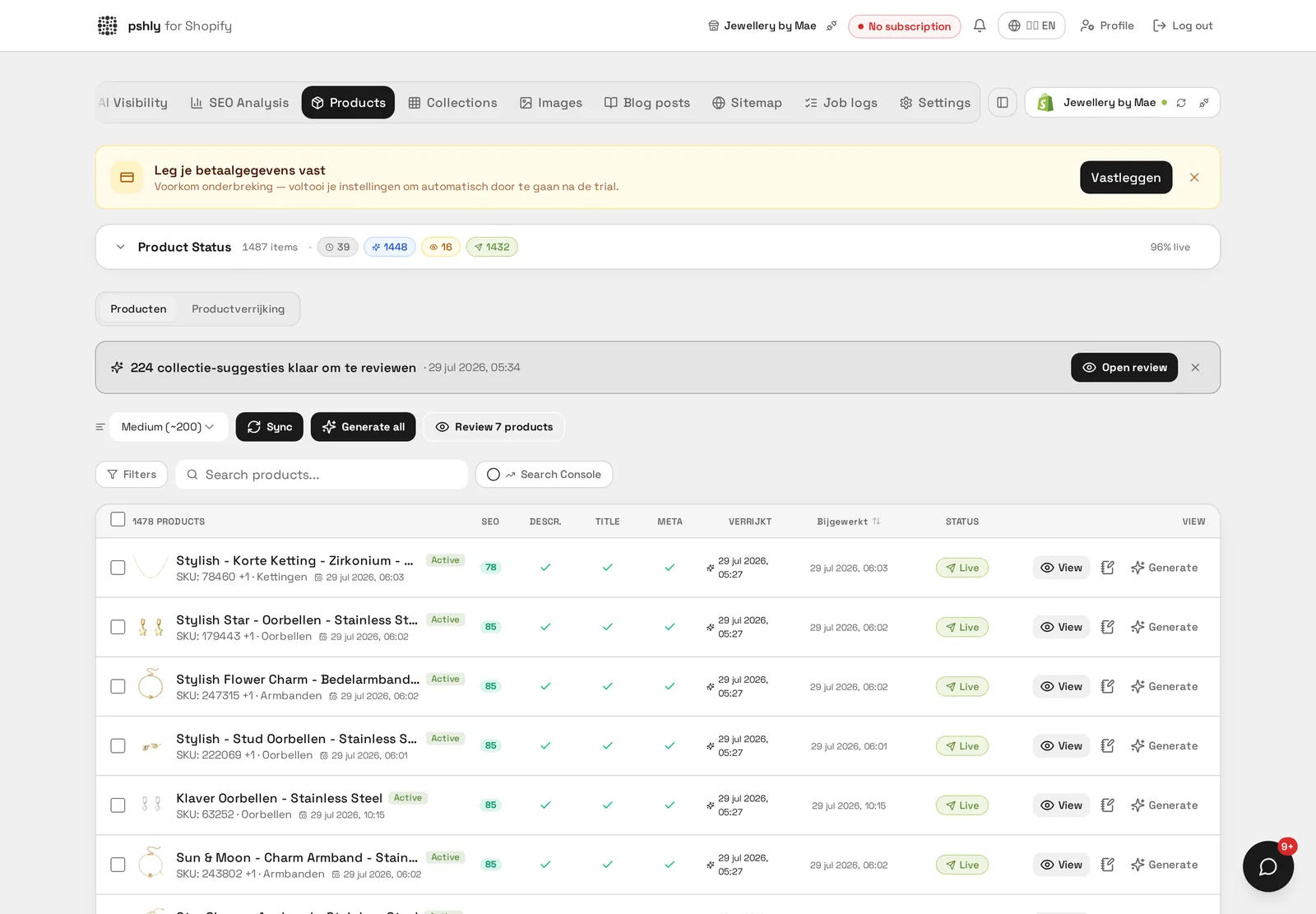
    Pshly ships a built-in MCP server (Model Context Protocol). It connects your Pshly account to an AI assistant such as ChatGPT, Claude or Cursor so you can ask questions about your shop in plain language, e.g. "Which products still lack an SEO description?"
    What is the MCP agent integration?

    2Connecting in ChatGPT or Claude

    Connecting uses OAuth — no API key to copy.

    1. Open the Connectors / MCP servers settings in ChatGPT or Claude.
    2. Add a new server using the Pshly MCP URL from your account settings.
    3. You are redirected to Pshly to sign in and approve access.
    4. After approval the tools are available in the conversation.
    Connecting in ChatGPT or Claude

    3Available tools

    These tools are available to your assistant:

    • list_shops — your connected Shopify stores.
    • list_products — products with status, title and SEO fields.
    • get_product — full details of one product.
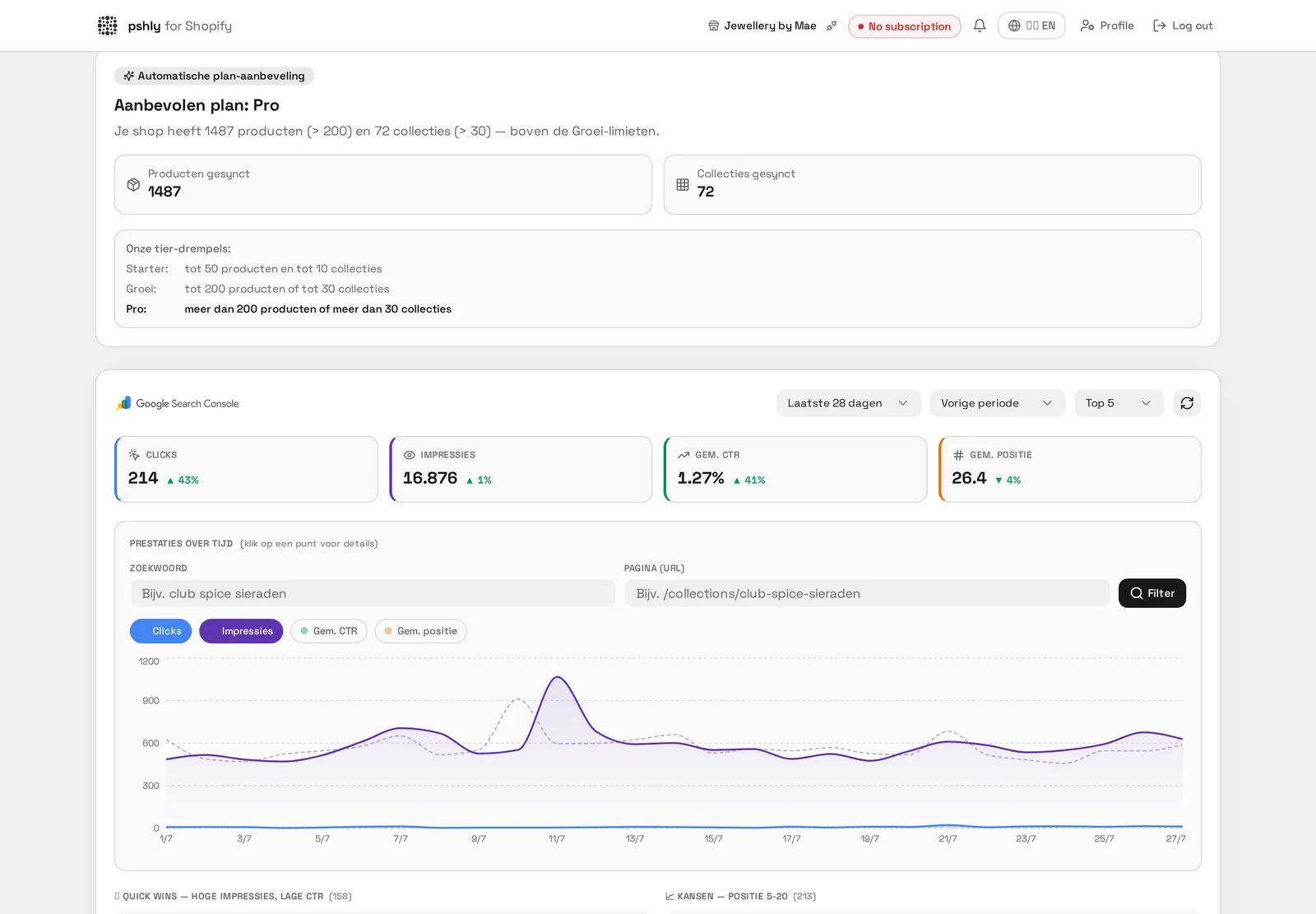
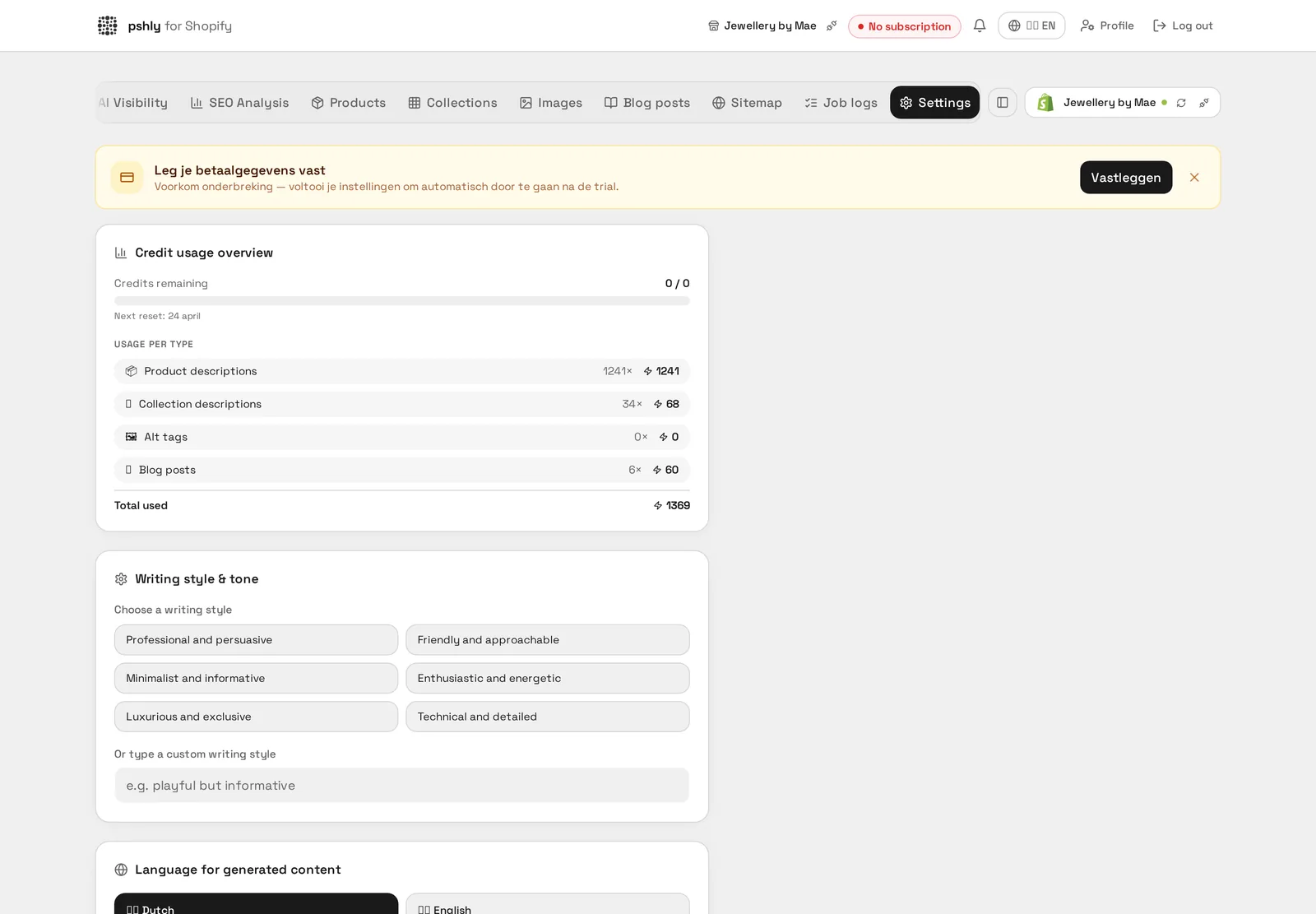
    • get_credit_balance — your current credit balance and usage.
    Available tools

    4Permissions & security

    The connection stays inside your account.

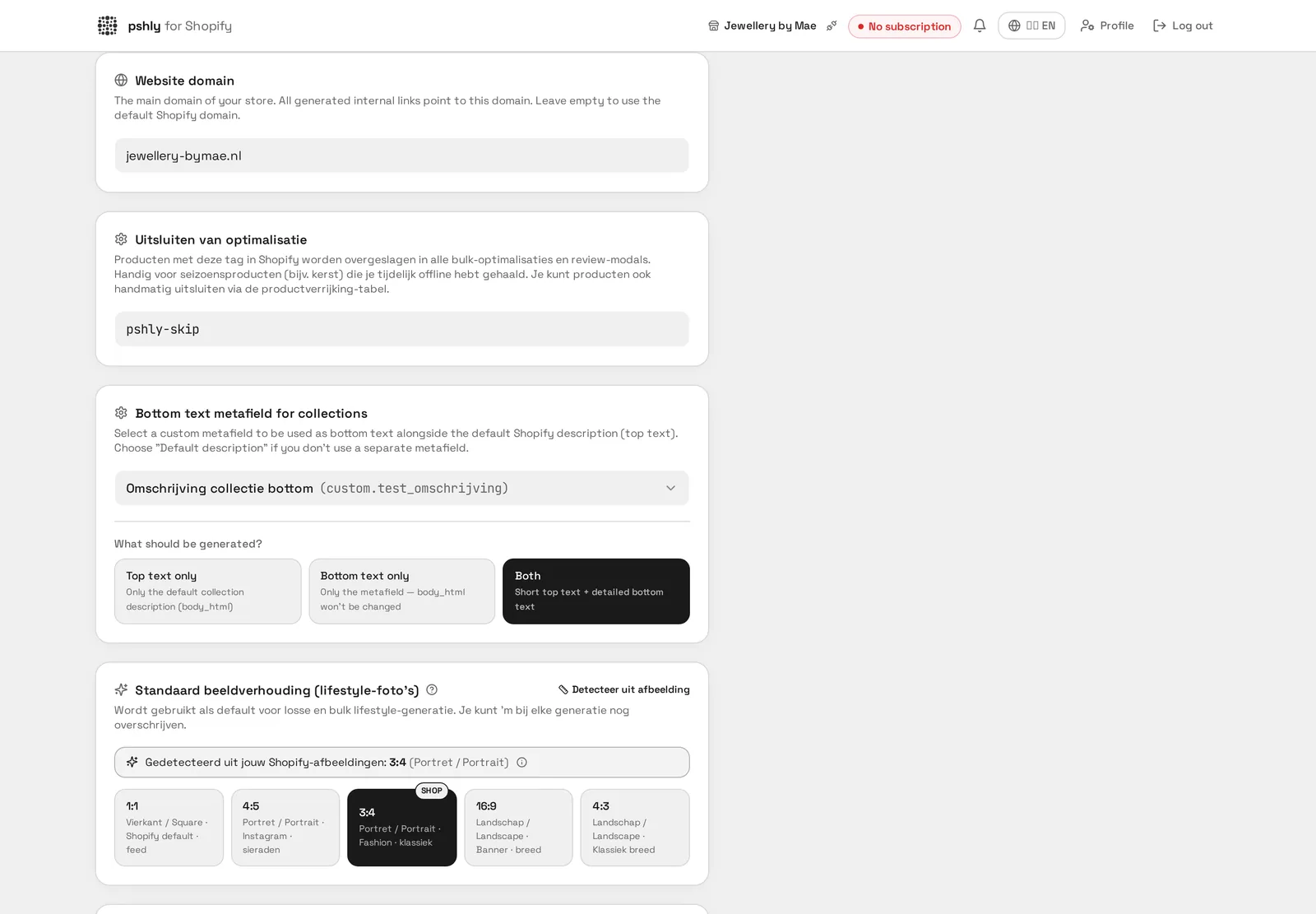
    • The assistant acts as you: only your own shops are visible, enforced at database level.
    • The tools are read-only — nothing can be changed or pushed to Shopify.
    • You can revoke access at any time in the assistant's connector settings.
    Permissions & security