Documentation

    SEO Tools

    Analyze your SEO performance, discover content opportunities and monitor your sitemap.

    1SEO Analysis per product/collection

    SEO Analysis evaluates each product and collection on:

    • Title: Length, keywords, uniqueness
    • Meta description: Length, relevance, call-to-action
    • Description: Text length, structure, keyword density
    • Images: Alt tags present and descriptive

    Click an item for detailed recommendations.
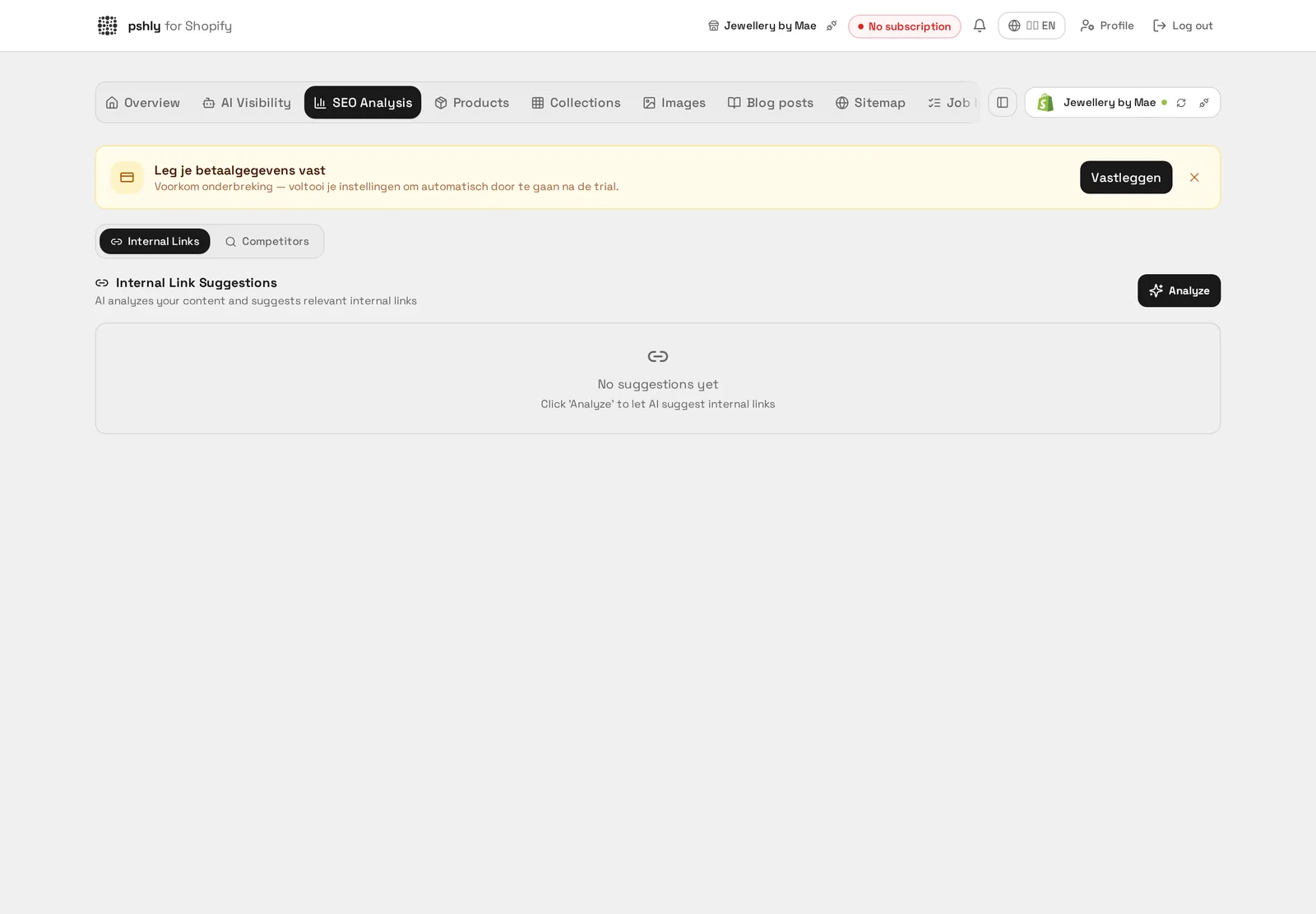
    SEO Analysis per product/collection

    Real-world example

    From score 46 to 84. The analysis flagged 213 products without a meta description and 96 titles longer than 60 characters.

    After a single bulk run with SEO fields the number of pages with missing metas dropped to 0 and the average SEO score rose from 46 to 84 — resulting in roughly 34% growth in organic clicks.
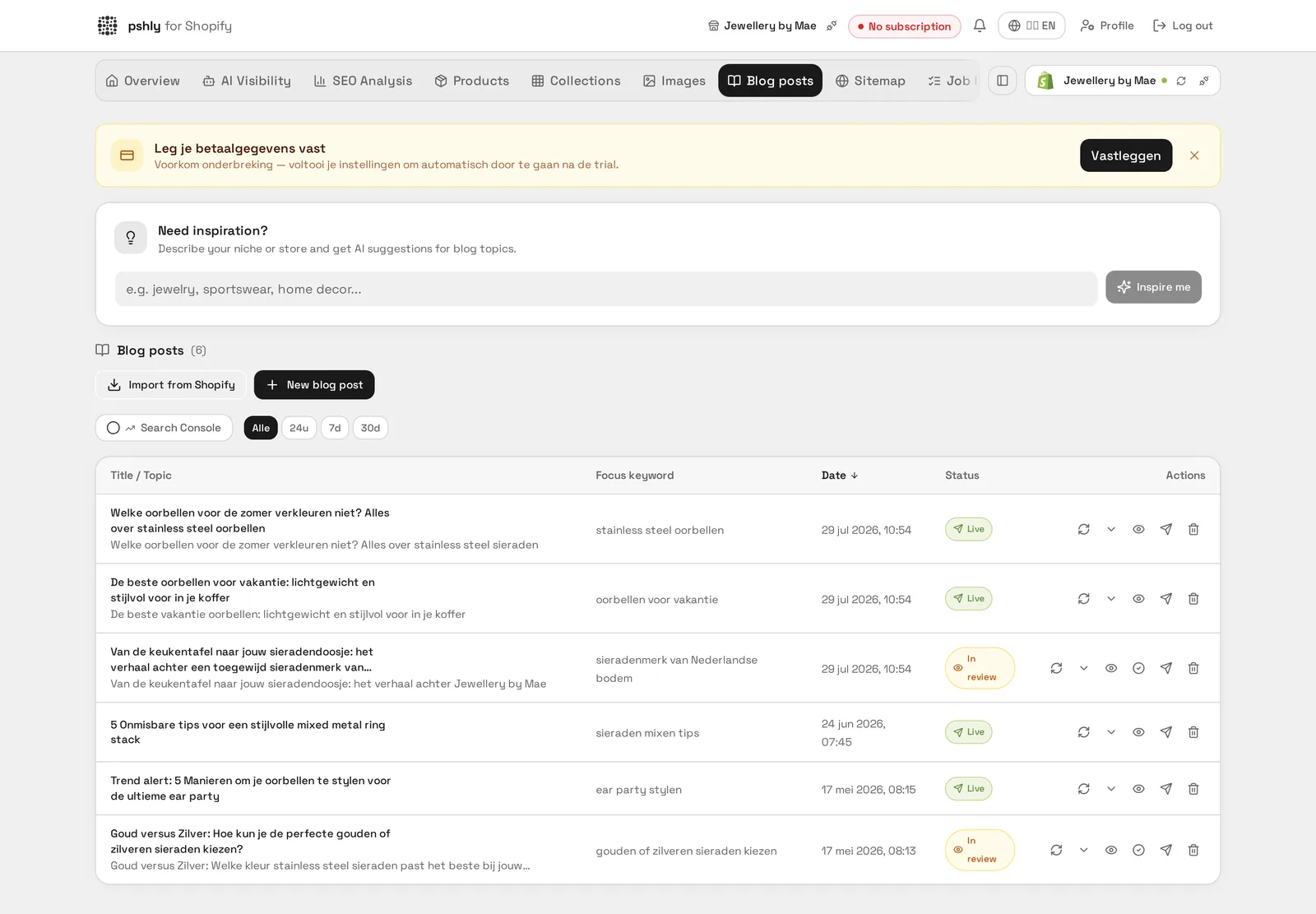
    2SEO Score explained

    The SEO Score (0-100) consists of:

    • Title (25%) — Relevant keyword? Length 50-60 chars?
    • Meta description (25%) — Filled in and 120-160 chars?
    • Description (30%) — Min. 150 words with good structure?
    • Technical (20%) — Alt tags filled? Clean URL structure?

    Badges: green (80-100), yellow (50-79), red (0-49).

    SEO Score explained

    Real-world example

    SEO score up from 54 to 88 on the "Single wall shipping boxes" collection. For G&F Verpakkingen, a meta description and an H1 with the right keyword were initially missing.

    After applying the automatic suggestions, the score improved noticeably and the page climbed in search results for "buy shipping box".


    3Connect Google Search Console

    Connect Google Search Console for search data integration:

    1. Go to SEO Analysis → Google Search Console.
    2. Click "Connect GSC".
    3. Log in with your Google account and select your website.
    4. Search data is fetched automatically.

    Pshly.ai only has read access to your Search Console data.

    Connect Google Search Console

    Real-world example

    Search Console connected in 3 minutes. G&F Verpakkingen authorised the connection with their existing Google account, after which clicks and impressions per product page became directly visible in the dashboard.

    This removed the need to log in to Search Console separately to check progress.


    4GSC data & insights

    After connecting you see per page:

    • Clicks — How many times users clicked your result
    • Impressions — How often shown in search results
    • CTR — Click-through rate
    • Position — Average position

    View top queries and ask the AI for content advice.

    GSC data & insights

    Real-world example

    +34% organic clicks in 3 months. The GSC data for G&F Verpakkingen showed that especially the single wall shipping box pages got more clicks after the rewrite on search terms with exact dimensions.

    Comparing clicks and positions per page before and after the bulk run made the effect of the content update measurable.


    5Discover content opportunities

    Content Opportunities analyzes your GSC data to identify:

    • Low-hanging fruit: Queries at position 8-20
    • New opportunities: Queries without specific content
    • Recommendations: Concrete improvement suggestions
    Discover content opportunities

    Real-world example

    "A4-size shipping box" generated impressions but no dedicated page. The content gap analysis flagged for G&F Verpakkingen that this search term did drive traffic but wasn't covered by a specific product page.

    After adding that size to the catalog, the webshop captured that search traffic directly.


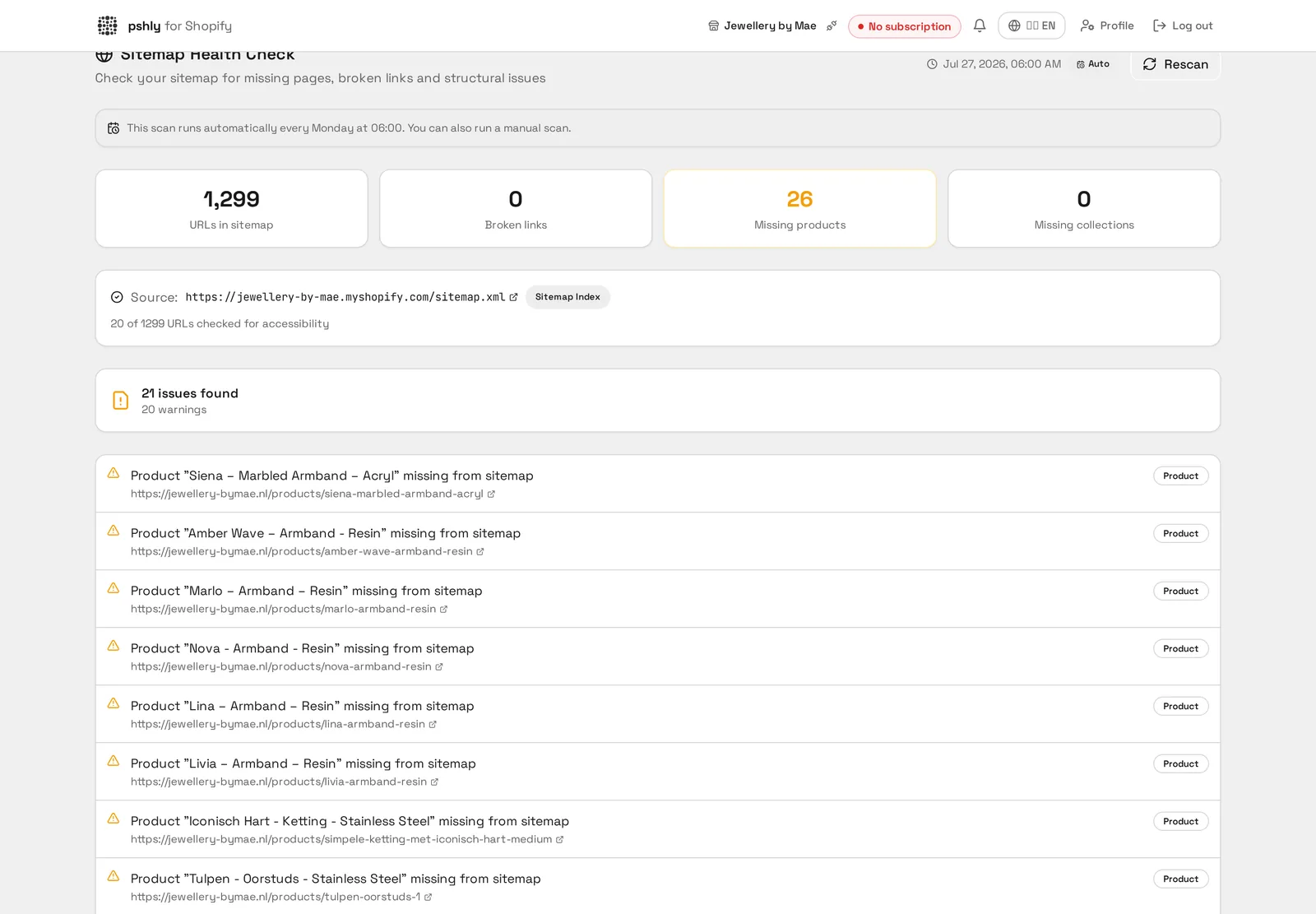
    6Sitemap Health Check

    The Sitemap Health Check verifies:

    • Is the sitemap findable at the standard URL?
    • Are all products and collections included?
    • Are there missing or broken URLs?
    • Is the sitemap regularly updated?

    Issues are shown with priority and recommendation.

    Sitemap Health Check

    Real-world example

    12 expired product URLs found in the sitemap. For G&F Verpakkingen, several discontinued shipping boxes were still in the sitemap and causing 404s for search engines.

    After cleaning up the sitemap, these crawl errors disappeared from the Search Console report.


    8Competitor monitoring

    Monitor your performance vs competitors:

    1. Go to SEO Analysis → Competitors.
    2. Add competitor domains.
    3. Pshly.ai tracks keyword rankings for you and your competitors.

    See your position vs competitors per search term.

    Competitor monitoring

    Real-world example

    Competitor ranked higher for "shipping box 40x30x20". Monitoring showed G&F Verpakkingen that a competitor ranked better for this specific size thanks to a more detailed specification table.

    By updating their own product page with the same level of detail, G&F closed that gap within a few weeks.