Google Search Console is one of the most powerful free tools Google offers — yet many Shopify merchants barely use it. The data it contains can literally make the difference between page 1 and page 3. In this article, we'll walk you through how to use Search Console data to improve your Shopify content step by step.
What does Search Console tell you?
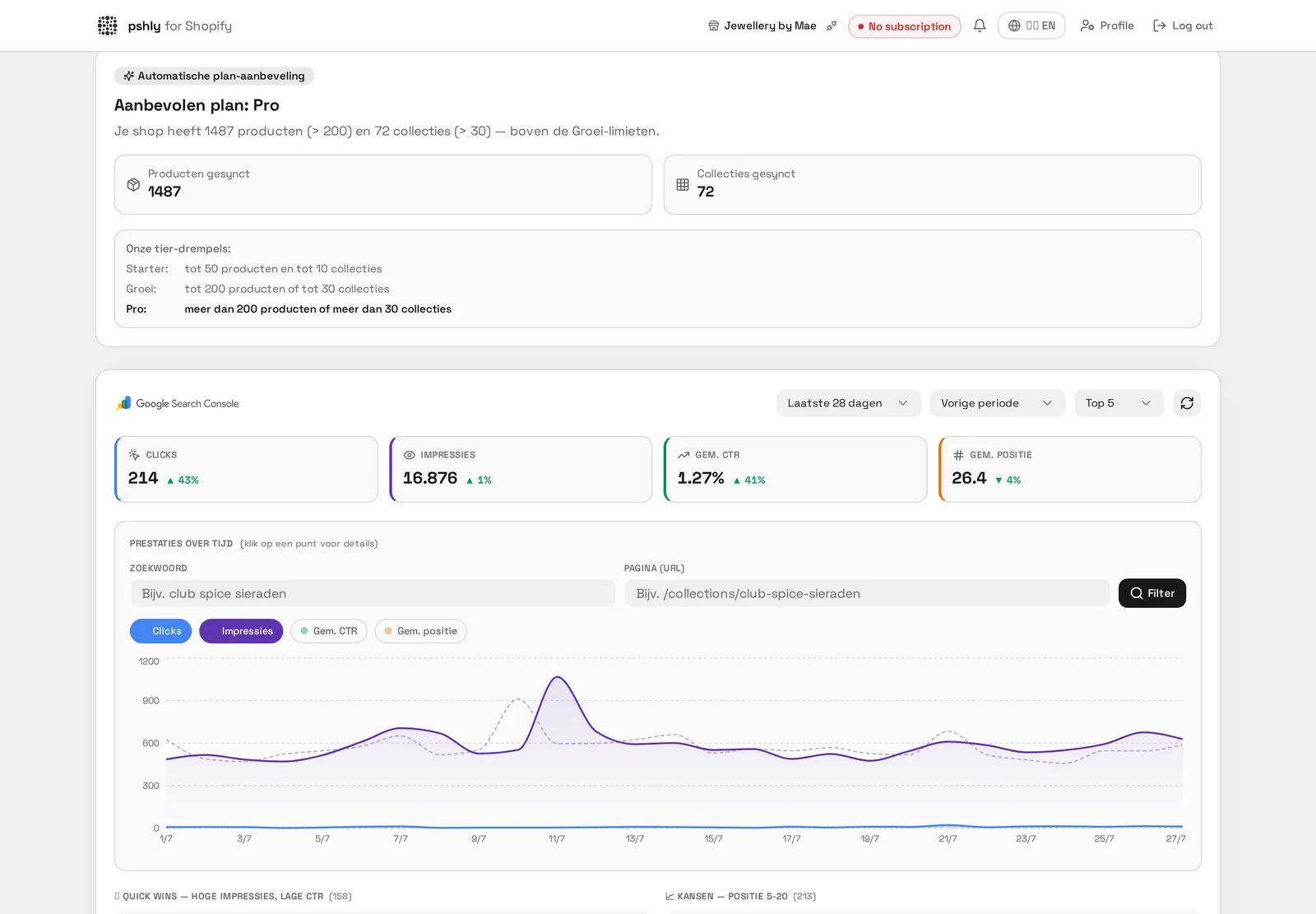
The Search Console integration shows you exactly:
- Which search terms your pages appear for (queries)
- How many clicks and impressions each page gets
- Your average position per search term
- The click-through rate (CTR) per page
- Which pages are declining in position (and need action)
- Search terms where you get impressions but no clicks
The four most important reports for Shopify stores
Not all Search Console data is equally relevant. For e-commerce stores, these four reports are most valuable:
1. Performance report — Pages
Filter by pages and sort by impressions. Pages with many impressions but few clicks are your biggest opportunities. A low CTR with high impressions usually means your meta title and description aren't compelling enough — a problem you can fix within minutes.
2. Performance report — Queries
Filter for queries with position 4-20. These are search terms you already rank for but aren't yet on page one. Often a small content improvement — an extra paragraph, better subheadings, more relevant internal links — is enough to jump from position 8 to position 3.
3. Indexing status
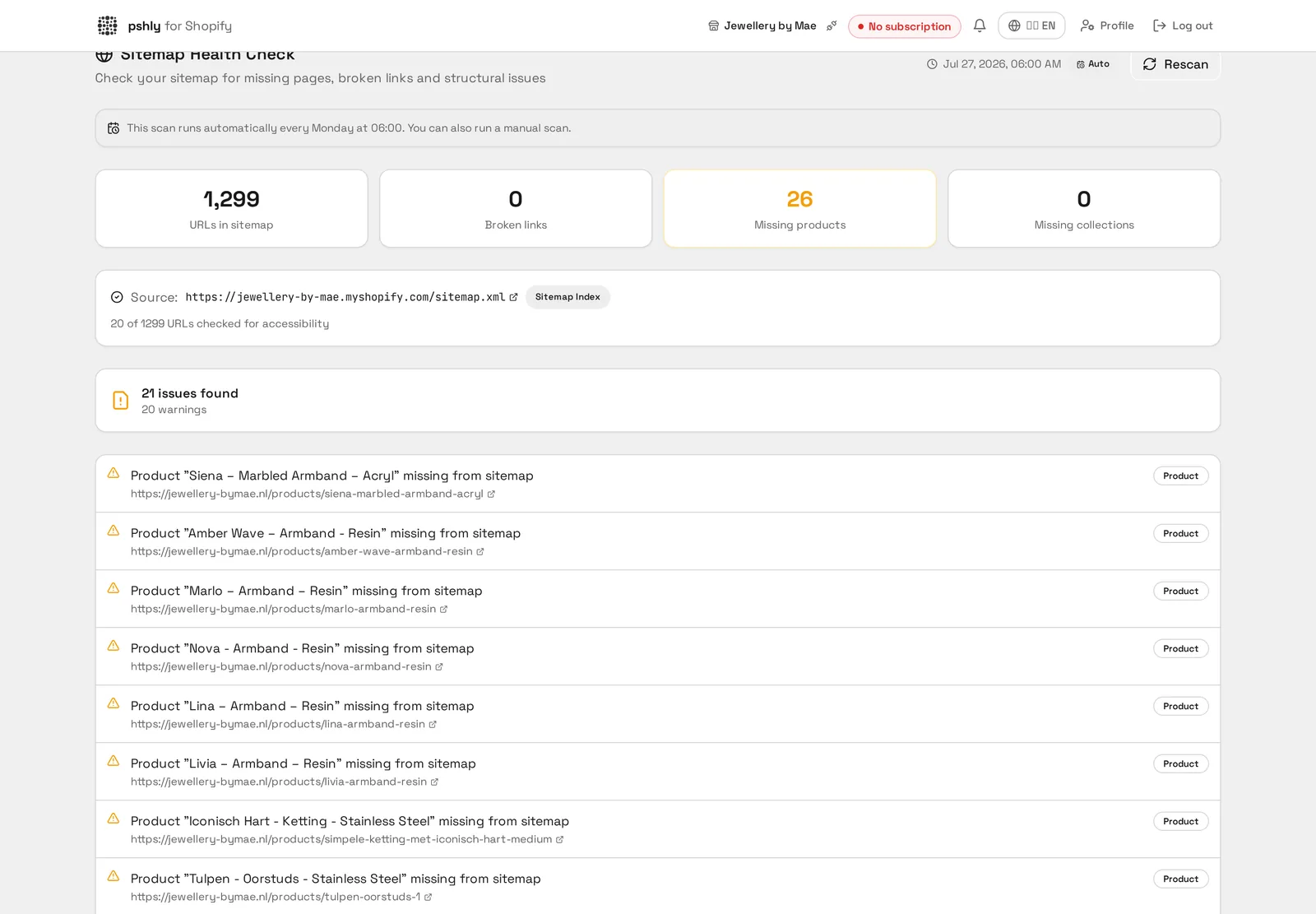
Check which of your product pages are actually indexed. Non-indexed pages are invisible to Google. Common causes: duplicate content, canonicalization issues, or pages marked as 'noindex'. The sitemap health check helps you identify these problems.
4. Core Web Vitals
Google measures the technical performance of your pages. Slow pages lose positions. While primarily a technical issue, optimized content (lighter images, faster load times) contributes here too.
Discovering content gaps
One of the most valuable insights are content gaps: search terms where you rank high enough to be seen but don't have a dedicated page yet. By creating a collection page or blog post for these, you capture this traffic.
Example: Suppose you sell running shoes and see impressions for "running shoes wide feet" but don't have a collection page specifically optimized for this term. By creating a "Running Shoes for Wide Feet" collection with an optimized description, you capture this traffic.
Saving declining pages
See a product page that was at position 5 last month and is now at 12? That's a signal the content is outdated or competitors are overtaking you. Possible actions:
- Enrich the product description with more in-depth information
- Add relevant internal links
- Update the meta title and description with current search terms
- Add a FAQ section to the product page
- Improve the alt tags of your product images
CTR optimization: the hidden growth lever
You can be at position 3 and still get few clicks if your meta title and description aren't compelling. The average CTR for position 3 in Google is about 11%. If your CTR at that position is only 5%, you're literally leaving half of your potential traffic on the table.
Tips for better CTR:
- Use your primary keyword at the beginning of the meta title
- Add urgency or a unique selling point to your meta description
- Use numbers and specific claims ("2,000+ satisfied customers")
- Regularly test new meta titles for your most important pages
Recognizing seasonal trends
Search Console data over longer periods reveals seasonal patterns. A summer clothing store sees impressions rise from March. By proactively optimizing your content before the season starts, you capture the early traffic your competitors miss.
Data-driven content with pshly.ai
pshly.ai connects directly to your Search Console and automatically injects this data into your AI-generated content. So you write based on what customers actually search for, not guesswork. The SEO analysis tool gives you a clear action plan per page.
Book a free demo and discover how it works for your Shopify store.